If you're taking classes or sessions at a studio that uses Bobclass, this is your app. Book classes and appointments, manage your schedule, and pay for packages and memberships — without the back-and-forth.
Free to download · No account needed to browse
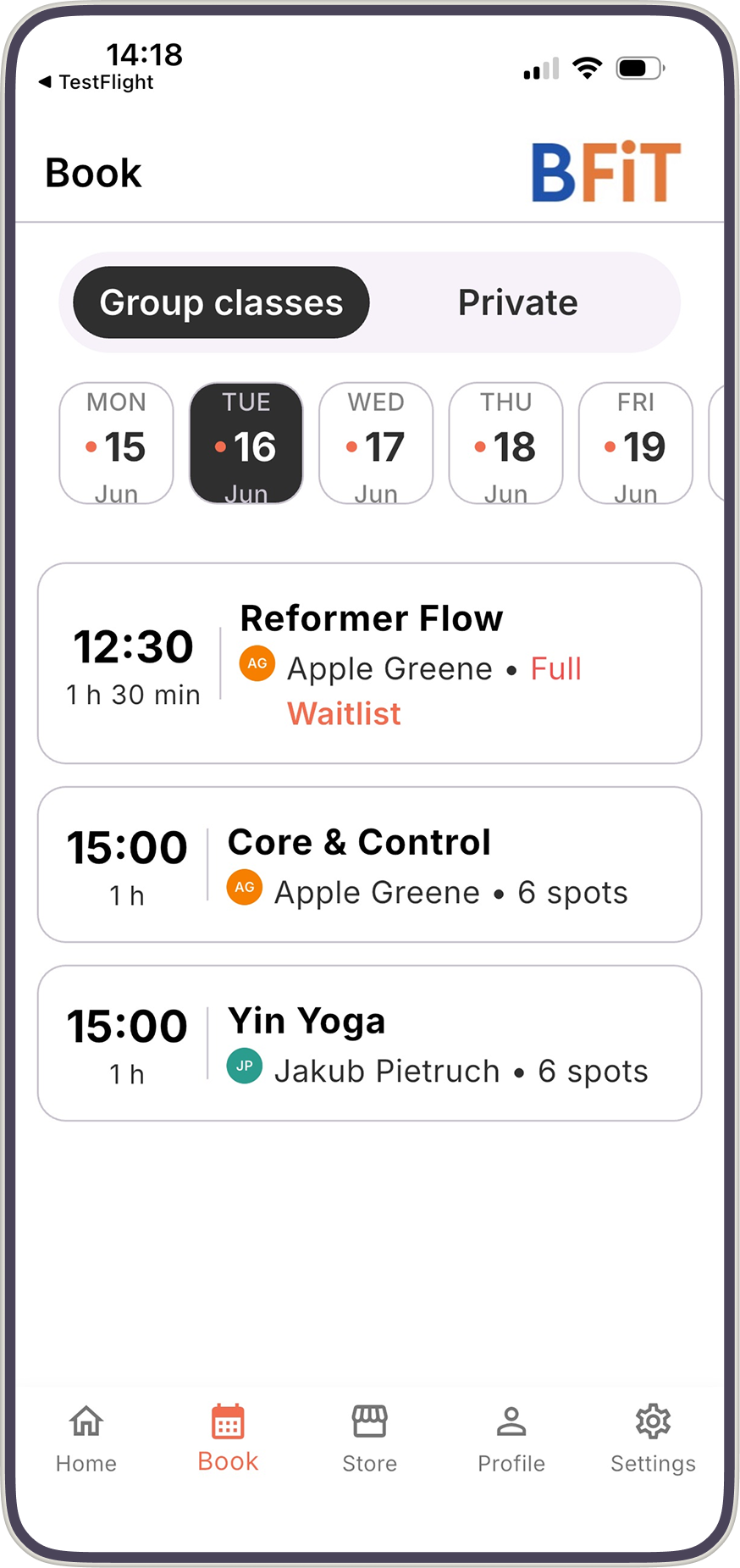
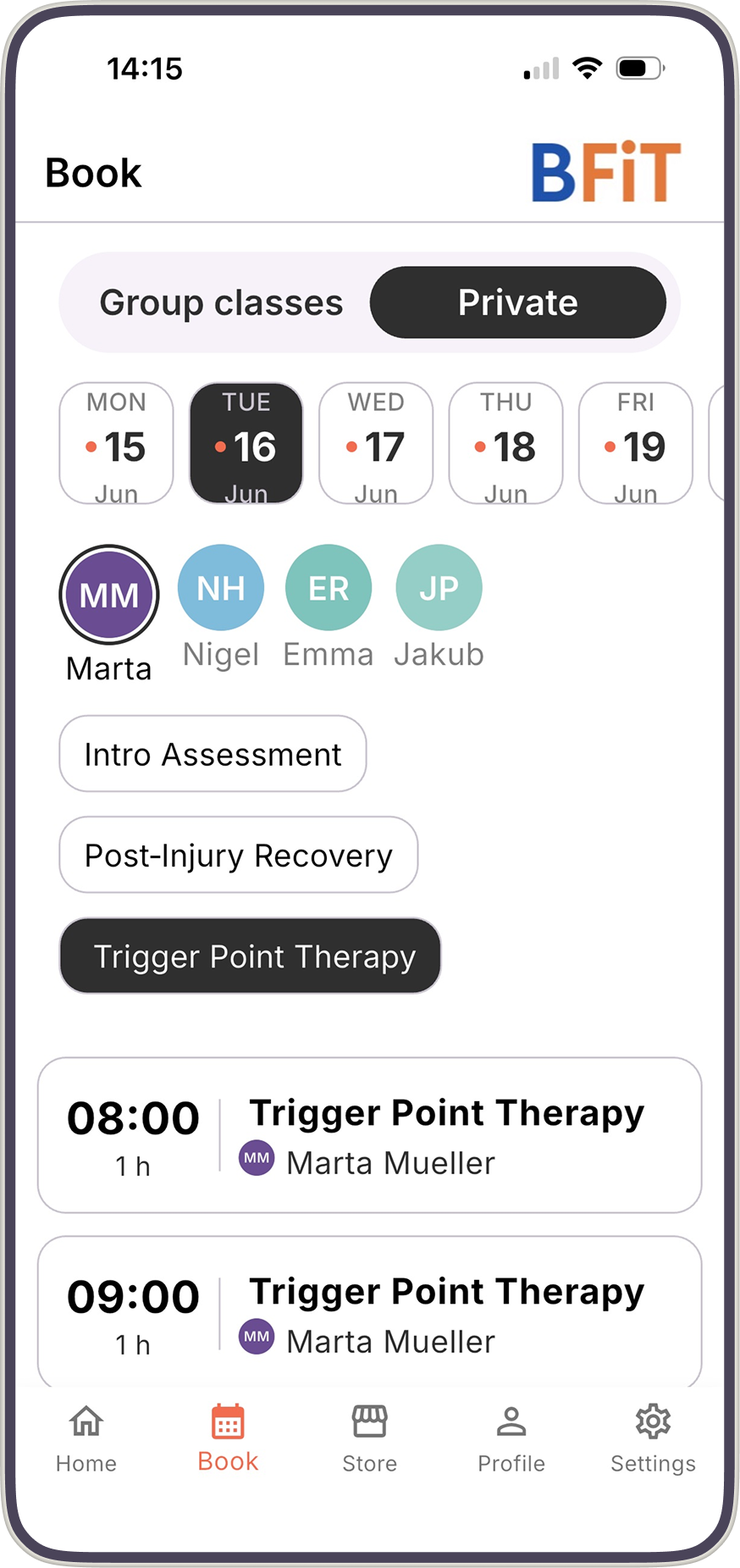
Browse your studio's schedule, pick a spot, and confirm in a few taps. Group classes and private appointments, all in one place.
Buy class packs or a membership directly in the app — by credit card or bank transfer. See your active packages and remaining credits any time.
If a class is full, join the waitlist with one tap. You'll be notified as soon as a spot opens up.
Need to reschedule? Cancel directly in the app — your studio's cancellation policy applies, and your credits are returned automatically when eligible.
Past and upcoming sessions, package credits remaining — all in one place, any time you need them.
Bobclass Go is the self-booking app your clients download when your studio runs on Bobclass. They use it to book classes and appointments, buy class packs and memberships, and manage their own schedule — without messaging you.
No setup required. It's included on Pro plans and above. Your clients just need to be added in Bobclass Studio Manager, using the same email address they use to log in here.
Learn about Bobclass Studio Manager →It's free. Search for "Bobclass Go" in the App Store or Google Play, or use these links:
This is important: use the same email address your studio has on file for you. You can only log in if the studio already has you as a client. Not sure, or can't log in? Check with your studio to have you added first.
Browse the schedule, pick a class or appointment, and tap Book. You'll get a confirmation by email straight away.
There are three Bobclass apps. Bobclass Go is for clients — that's this one. Bobclass Studio Manager is for studio owners and managers. Bobclass Team is for instructors hired by a studio. If you're a studio owner looking to get started, head to bobclass.com instead.
Download the free app and book your first class.