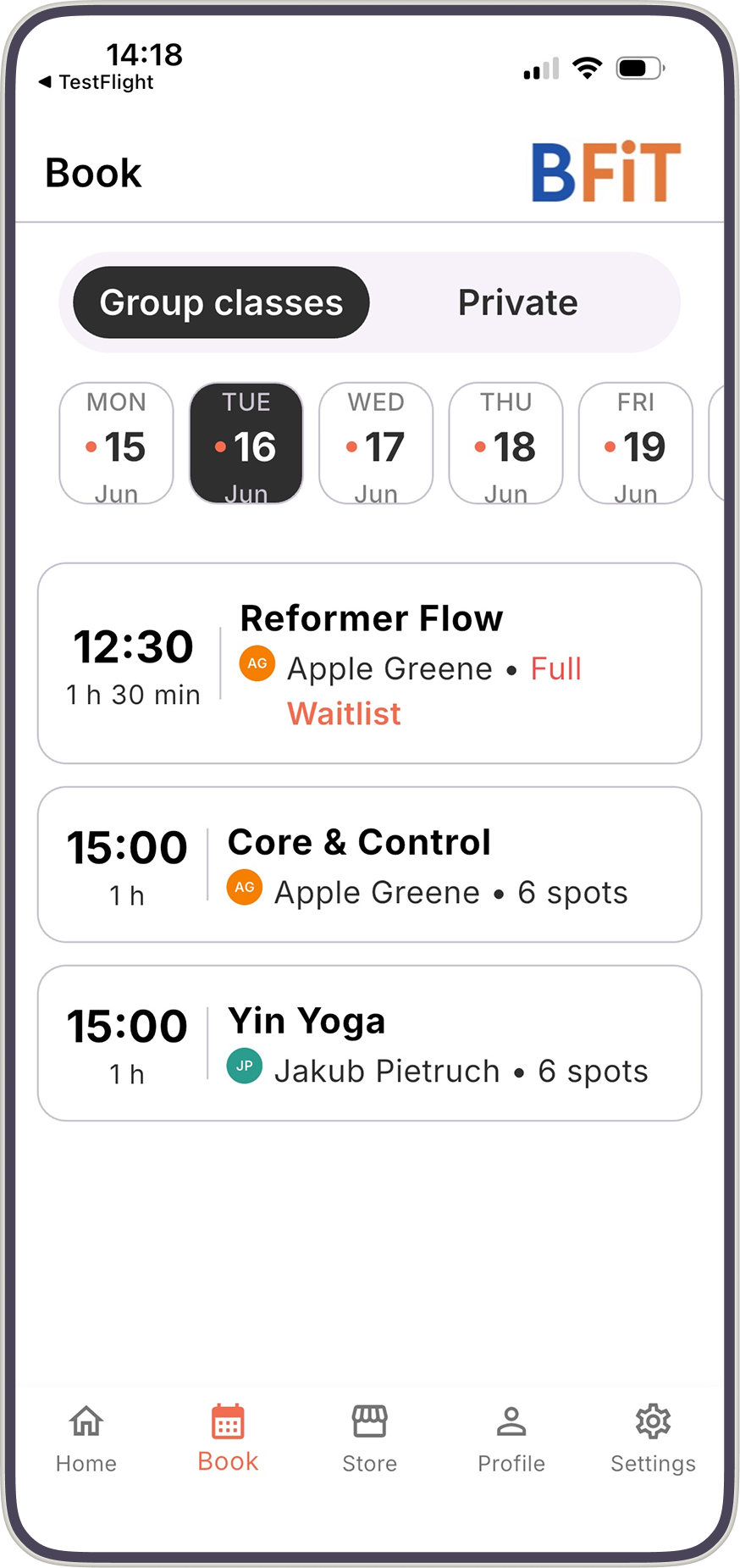
When a class fills up, clients join the waitlist in the Bobclass Go app. When someone cancels, you get a push notification and promote a waiting client into the spot with a tap. No group chats, no spreadsheet.
You set the capacity per class. Once the last spot is booked, the class shows as full to your clients.
In the Bobclass Go app, clients can join the waitlist of a full class. One tap and they're in line.
You get a push notification that a spot has opened while people are waiting. Open the class and promote a client from the waitlist. Nobody is moved in automatically, so you decide who gets it.
Waitlists are included in the Studio and Unlimited plans. See pricing for what each plan covers.
When a class is full, clients can join the waitlist in the Bobclass Go client app.
If people are on the waitlist, you get a push notification that a spot has opened. You then promote a client from the waitlist into the class.
No. Promotion is your call: you choose who moves from the waitlist into the class. That keeps you in control of who is in the room.
Yes. Team members can manage waitlists for their classes in the Bobclass Team app, without seeing your financial data.
Yes. You control the cancellation policy, so late cancellations are handled the way you want.
Free plan to get started. Waitlists are part of the Studio plan, with no annual contract.